
 Sign in

 Share
Share Tweet
Tweet Share
Share Pin it


 Resources
![[Fix] 250% DPI Windows Default Teaser](/cursor-teaser/high-resolution-windows-8-.png)
![[UPD] 150% DPI Windows Default Teaser](/cursor-teaser/new-ver-high-resolution-windows-.png)


![[Fix] 300% DPI Windows Default Teaser](/cursor-teaser/300-dpi-windows-default.png)


 Top reviews
 {READ DESC.} Windows Ease of Access Cursors
- Published on October 2nd 2024 under the Release to Public Domain license.
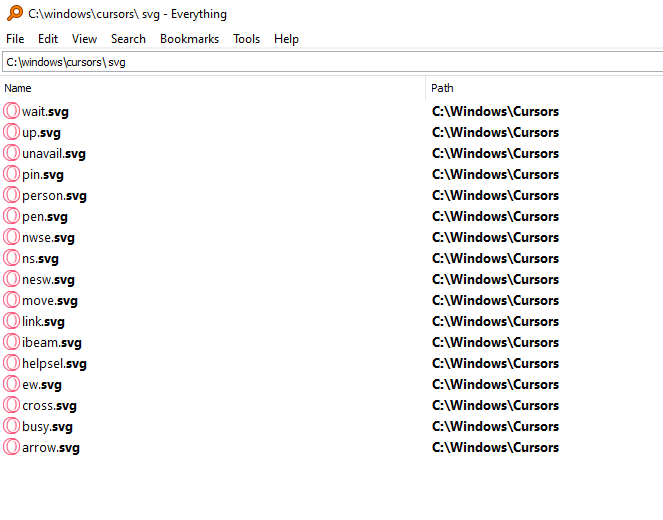
Hope you like it! If you are asking where these cursors come from, it's located at "C:\Users\(current user)\AppData\Microsoft\Windows\Cursors" if you are using a new version of Windows 10 like 20H2, 21H2,... or newer. And I post this on because if you are using old version of Windows, then you can apply this and use it. Because you guys are keep saying that these cursor are already used by default but IT'S NOT, IT'S ALL DIFFERENT so that's why I need to write this. I made a video of how to make a cursor from high DPI to low DPI, you can go watch it: https://youtu.be/8fL2OTzETnM?si=cVzTb9kJwliHPKBW

 reddit